Laboratory

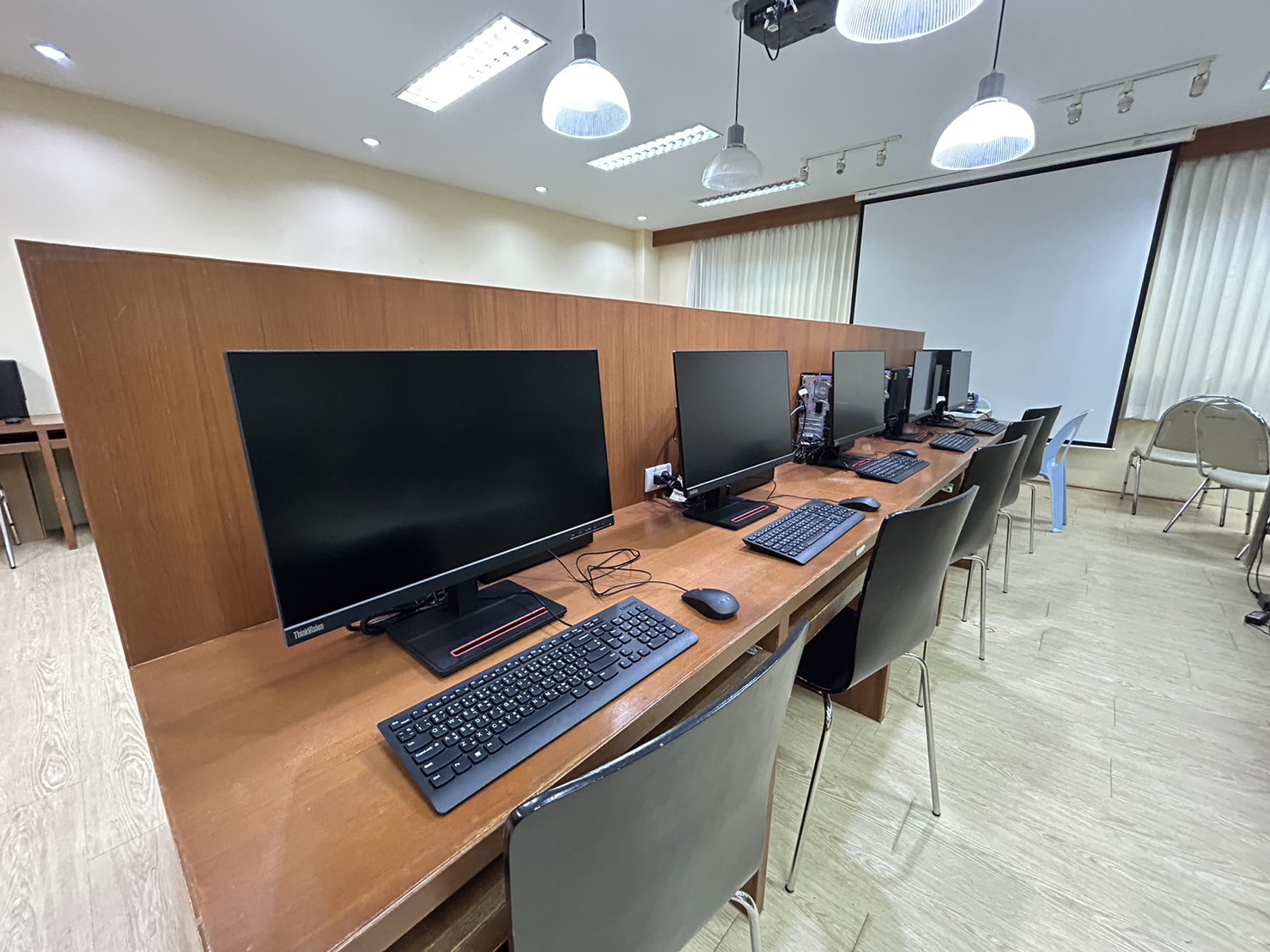
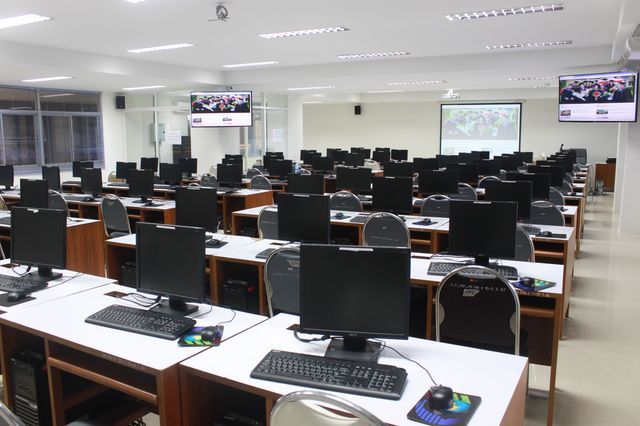
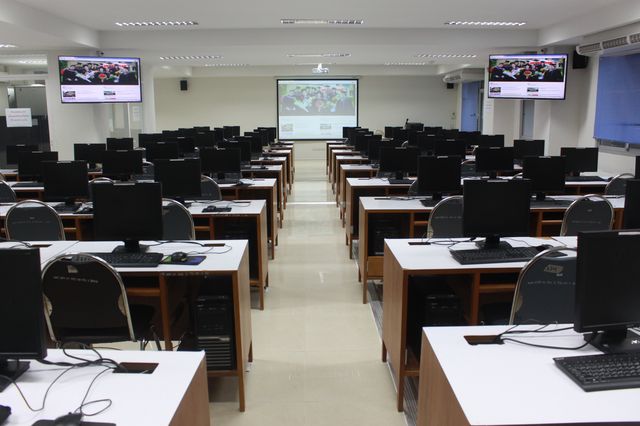
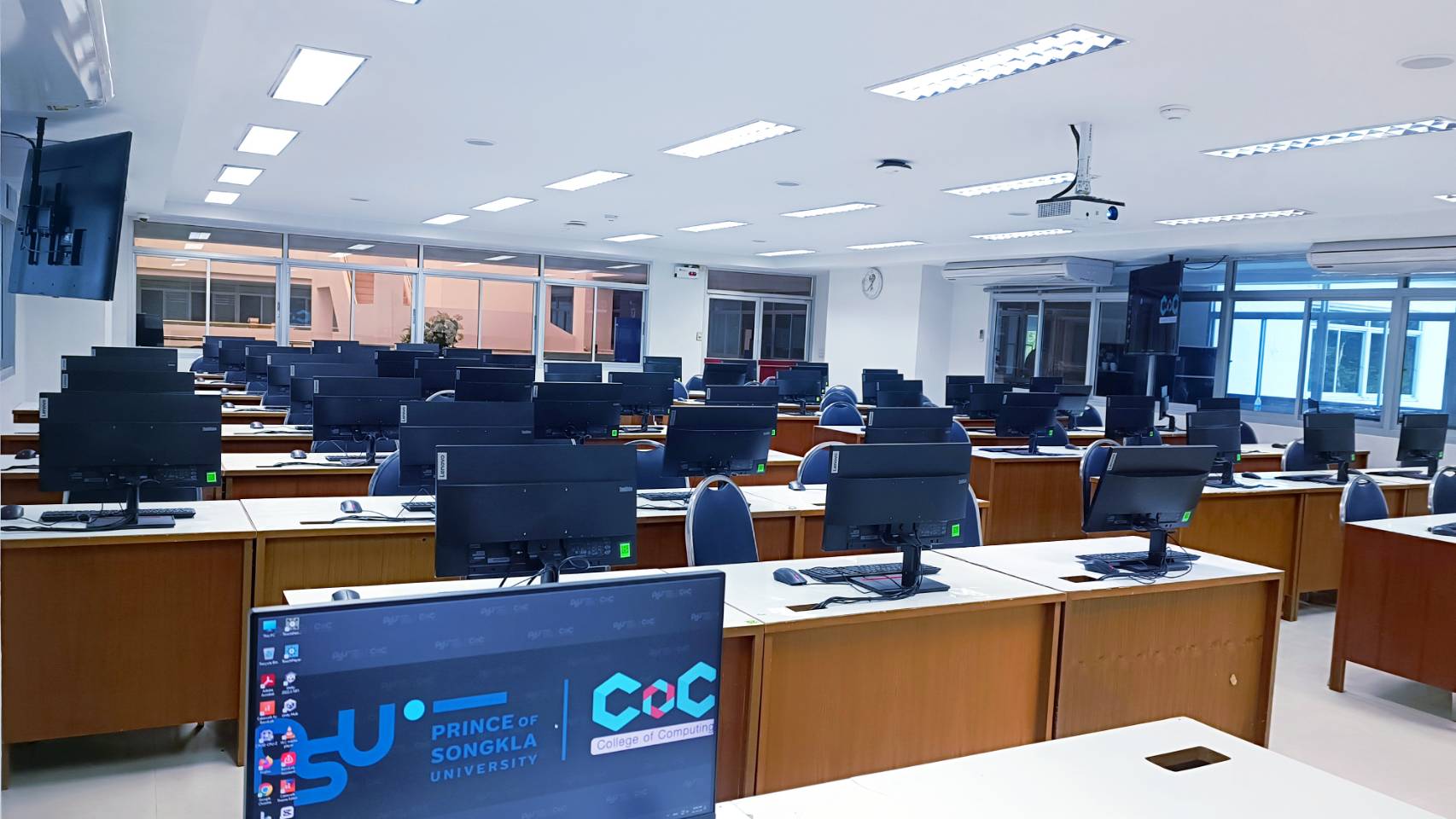
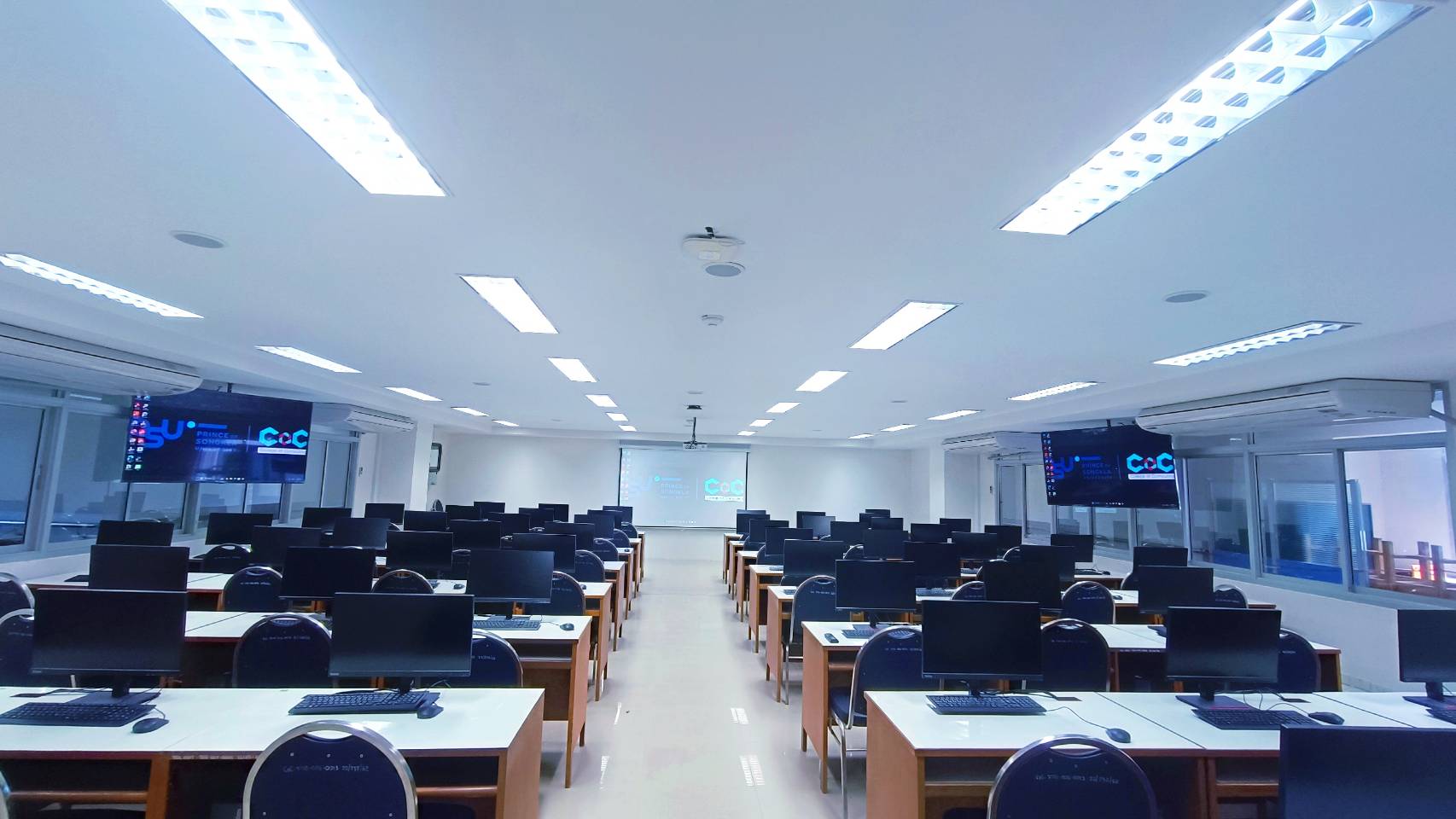
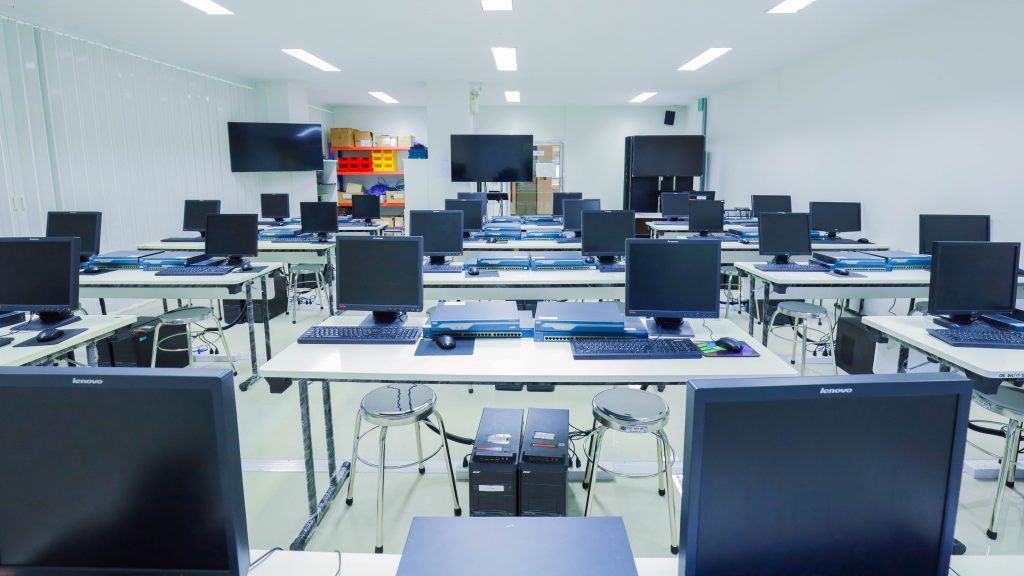
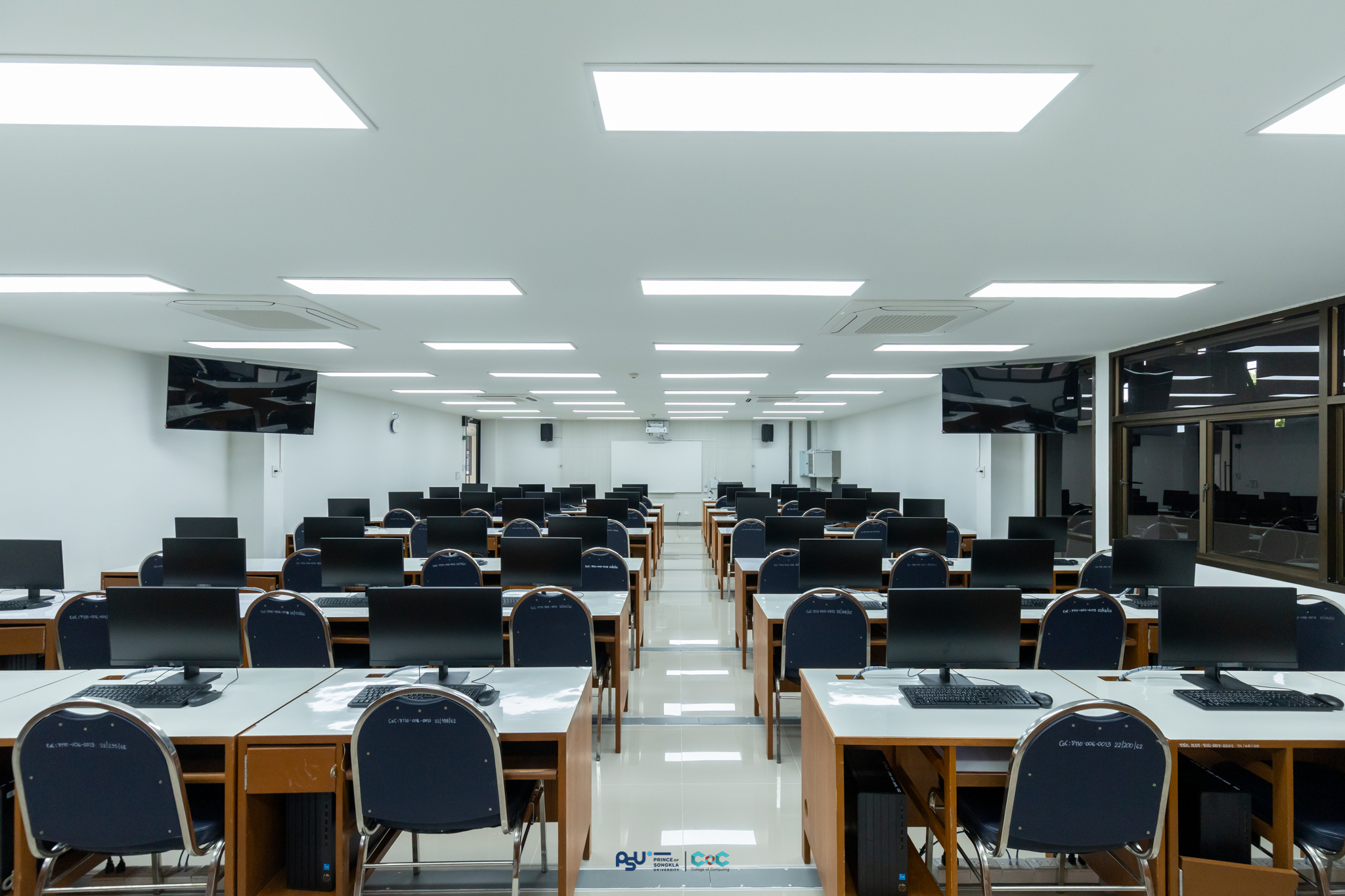
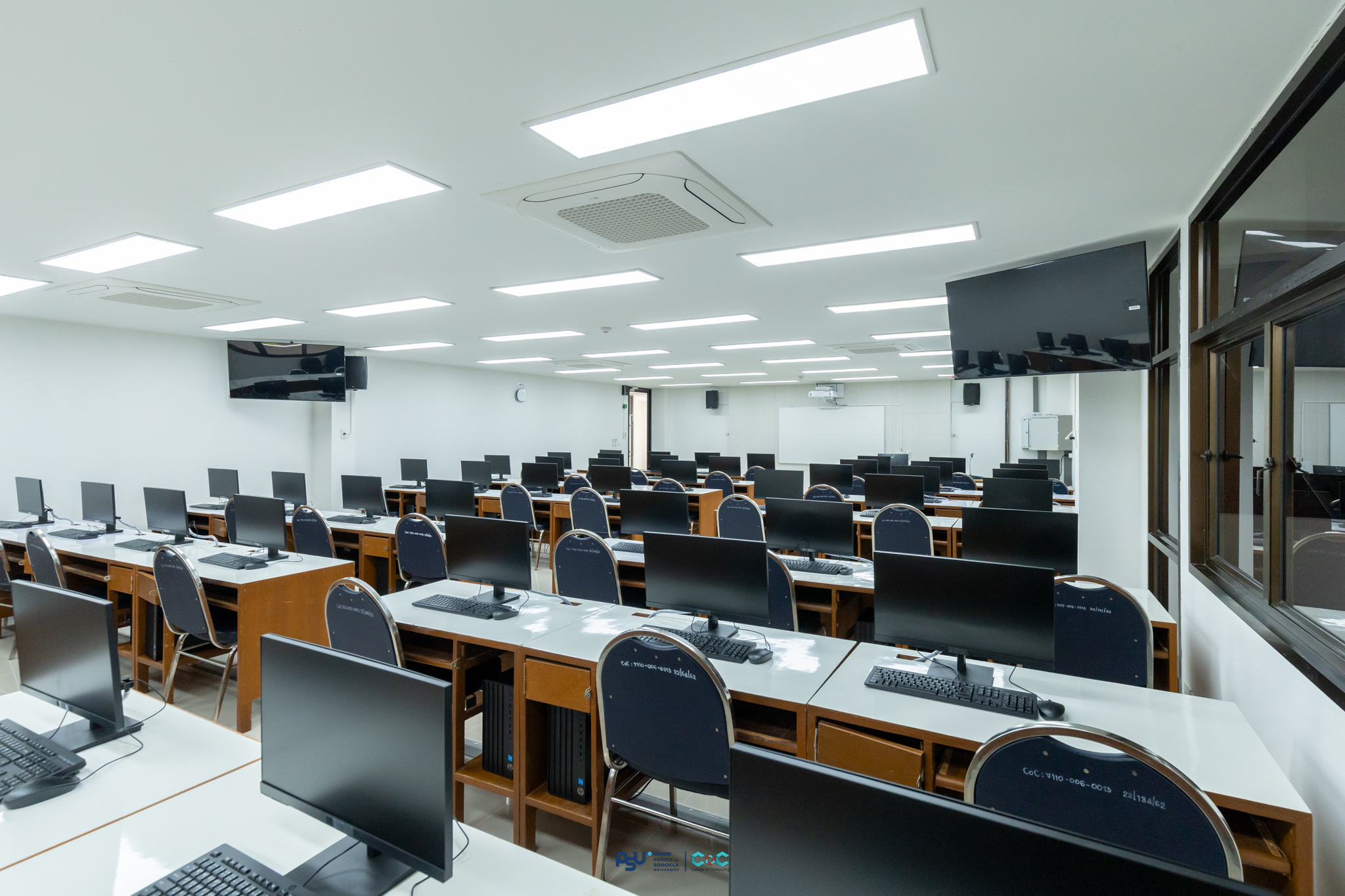
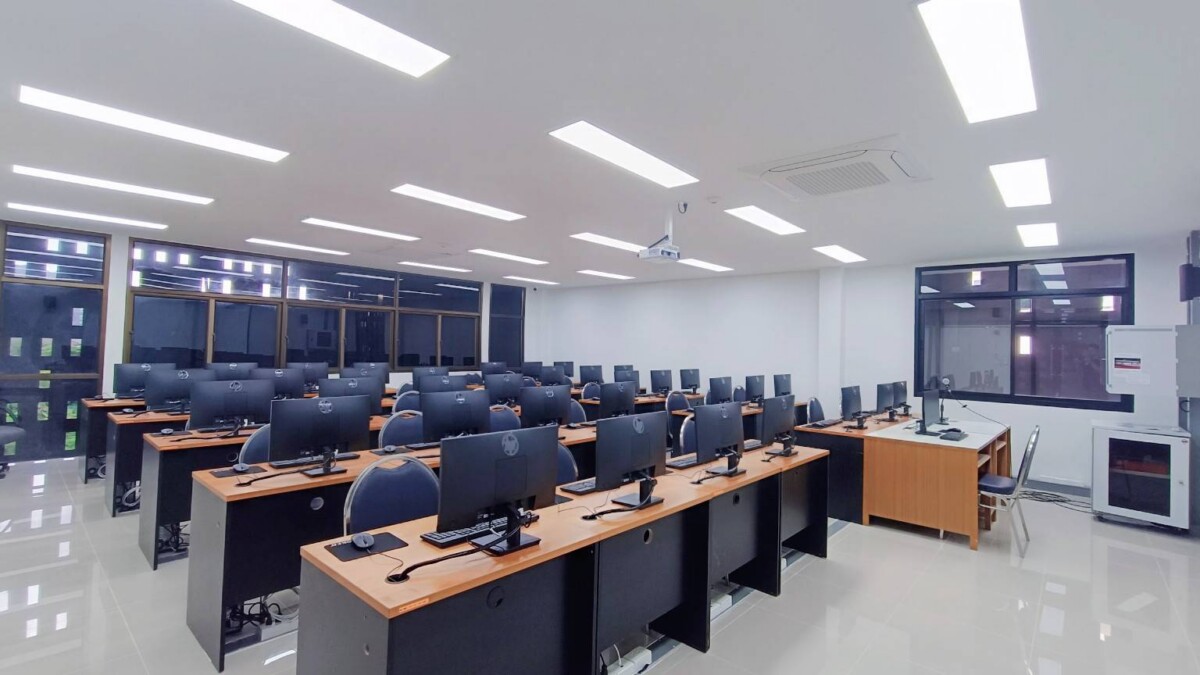
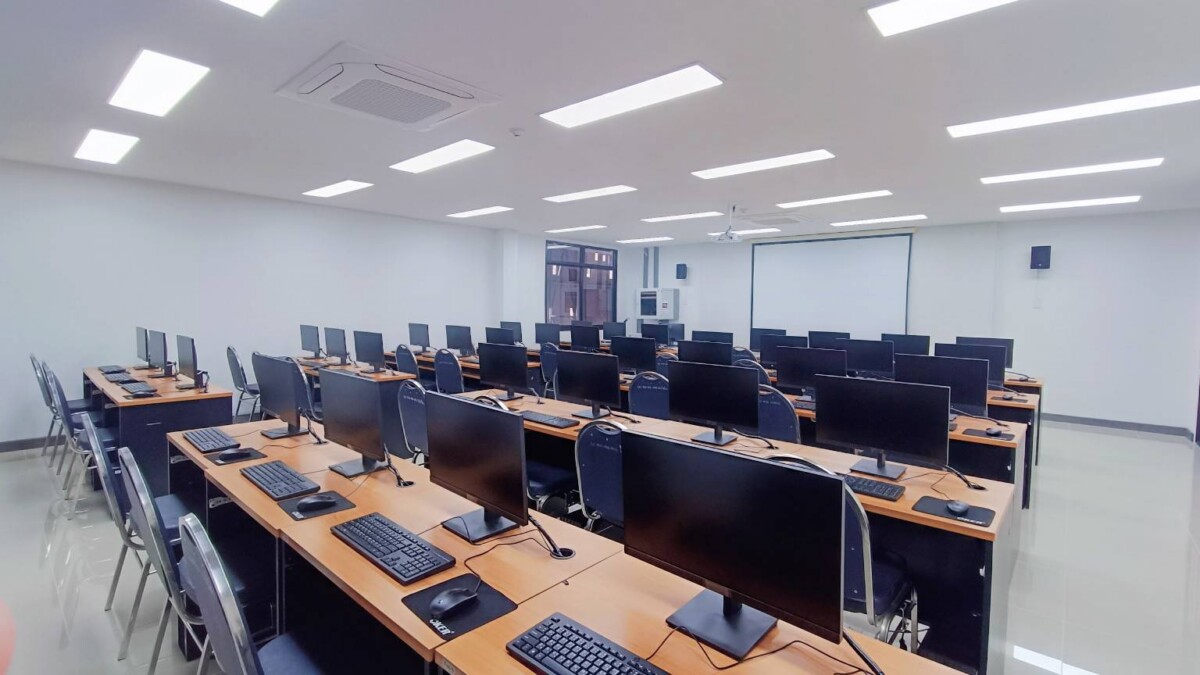
Computer laboratory

College of computing provides computer labs for use by people both within and outside the university
CONTACT Apakorn Bunnag
 Tel:  0 7627 6000 ต่อ 6471
 Fax: 0 7627 6046
 apakorn.b@phuket.psu.ac.th

Software Labs

 
Quantity : 30
Os : Windows 11
Specifications : Intel Core i5 Ram 16 GB SSD Harddisk 512 GB LCD Mornitor 24 Inch
Backup Power Supply: None
Quantity : 30
Os : windows 11
Specifications : Laptops with Graphics card ,Intel Core i5 Ram 16 GB SSD Harddisk Mornitor 16 Inch
Backup Power Supply: Laptops battery
Quantity :60
Os :windows 11
Specifications :Intel Core i5 Ram 16 GB SSD Harddisk 512 GB LCD Mornitor 21.5 Inch Sound Set, projector, TV
Backup Power Supply: Yes
Quantity : 50
Os : Windows11
Specifications : Intel Core i5 Ram 16 GB SSD Harddisk 512 GB LCD Mornitor 21 Inch
Backup Power Supply: Yes
Quantity : 30
Os  : windows 10, Linux Ubuntu
Specifications  : Intel Core i5 Ram 8 GB SSD Harddisk 240 GB LCD Mornitor 19 Inch – Network  Set 30 – cisco router 1800 series – cisco switch 2950 – cisco switch 2960
Backup Power Supply: Yes
Quantity : 56
Os : Windows11
Specifications: Intel Core i5 Ram 16 GB SSD Harddisk 512 GB LCD Mornitor 21.5 Inch , Smart projector , TV
Backup Power Supply: None
Quantity : 30
Os : Windows11
Specifications: Intel Core i5 Ram 16 GB SSD Harddisk 512 GB LCD Mornitor 21.5 Inch  , Smart projector
Backup Power Supply: None
Quantity : 35
Os : Windows11
Specifications: Intel Core i5 Ram 16 GB SSD Harddisk 512 GB LCD Mornitor 21.5 Inch Sound Set, projector
Backup Power Supply: None

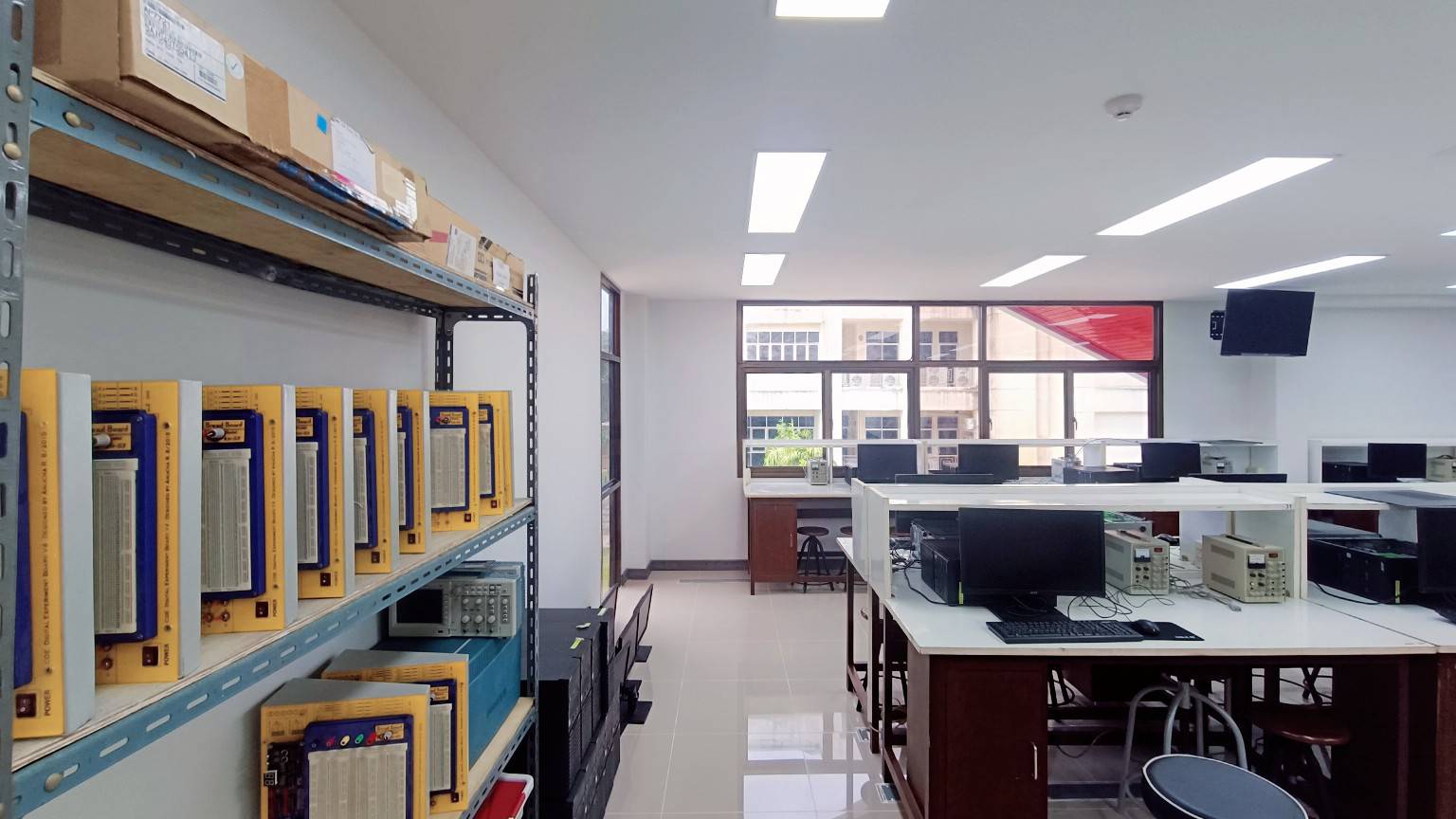
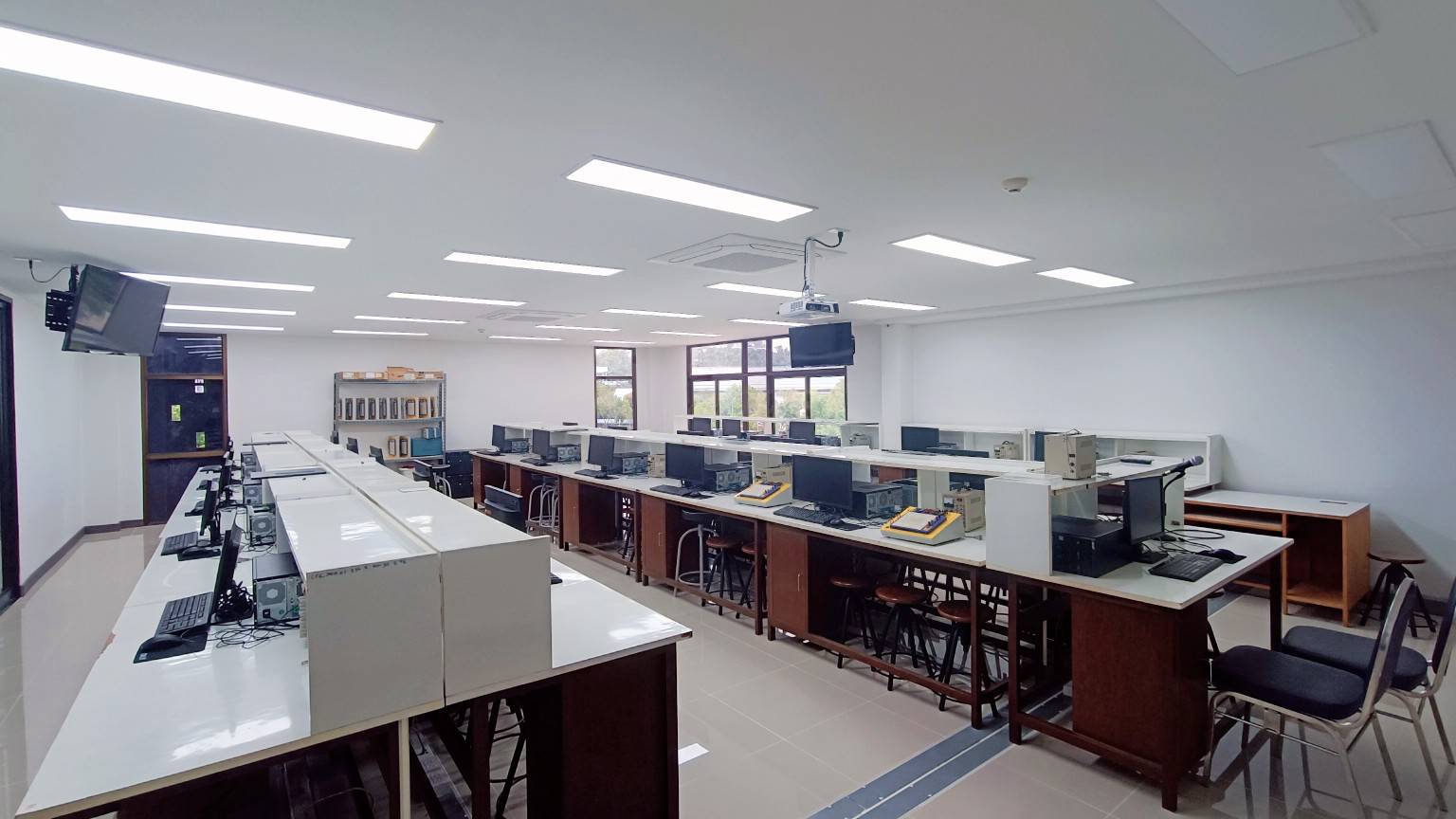
Hardware Labs

Quantity : 25
Os  : Windows 10
Specifications :
  • Oscilloscope
  • Digital Multimeter
  • Power supply
  • Function generator
  • Digital board
Backup Power Supply: None

Laboratory Usage Policy

Regulations
  • Food and beverages are strictly prohibited inside the laboratory.

  • Do not make loud noises or disturb others (e.g., watching movies, listening to music).

  • Installation of unauthorized software is not permitted.

  • Do not damage or use violence against computer equipment.

  • Shut down the computer after each use.

  • Turn off the air conditioner when leaving the room as the last person.

  • Do not leave the classroom door open unnecessarily, and do not unlock the windows.

  • All students must scan their fingerprints before entering the room each time.

  • Theft of computer equipment is considered a criminal offense, subject to legal prosecution and imprisonment.

In Case of Fire ( Please note: This building is not equipped with fire extinguishers on every floor )
  • Keep doors and windows open.

  • Evacuate the building using the emergency exit stairs located on the left-hand side upon leaving the room.

  • Do not use the elevator under any circumstances.

In Case of First Aid Requirement ( Please note: This building does not have a medical room or first aid equipment )
  • Contact the staff immediately, or ask a nearby person to assist in contacting the staff.

Contact Information

  • Support staff are available at Room 302 or Room 402.

Operating Hours

  • 08:00 – 20:00, daily

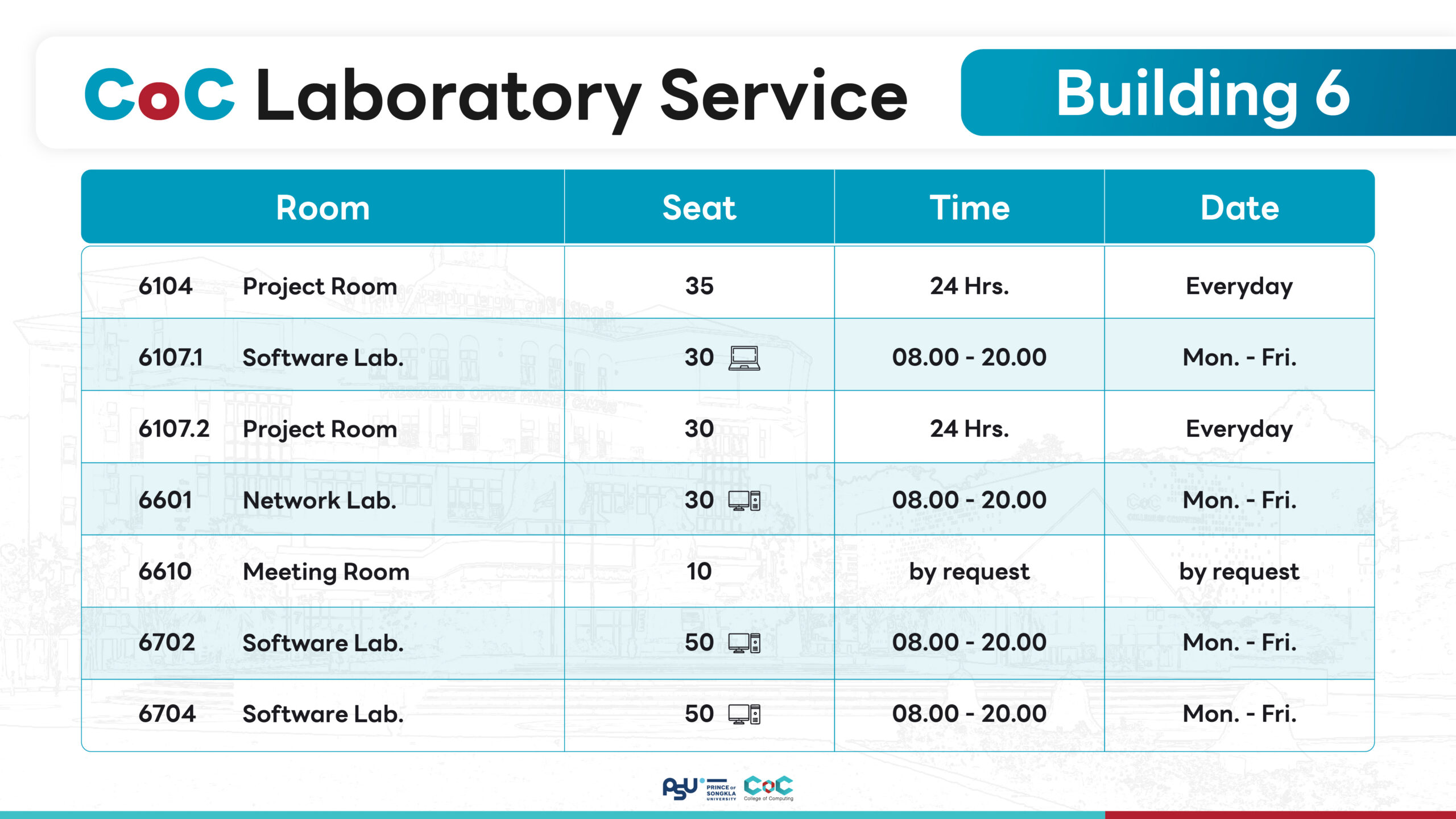
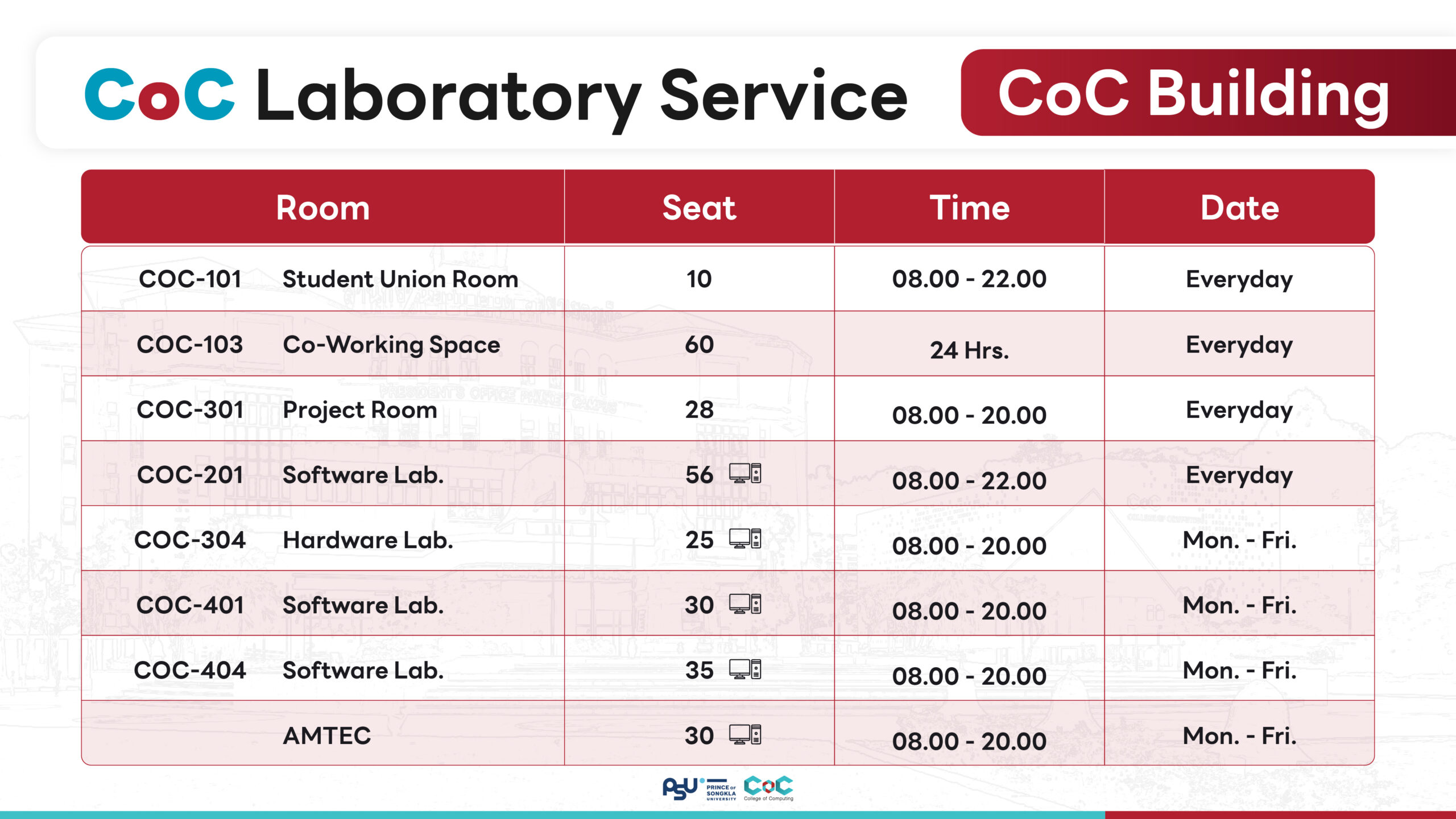
Hours of Operation

Building 6
Building CoC

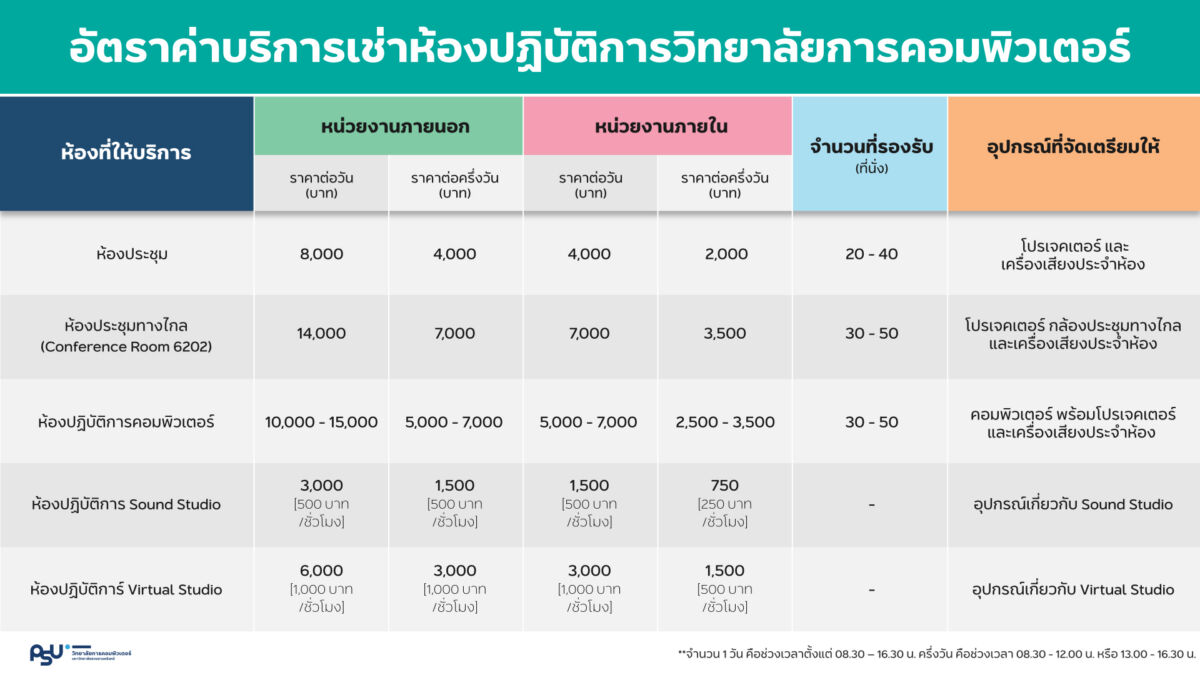
Service Rates

Scroll to Top